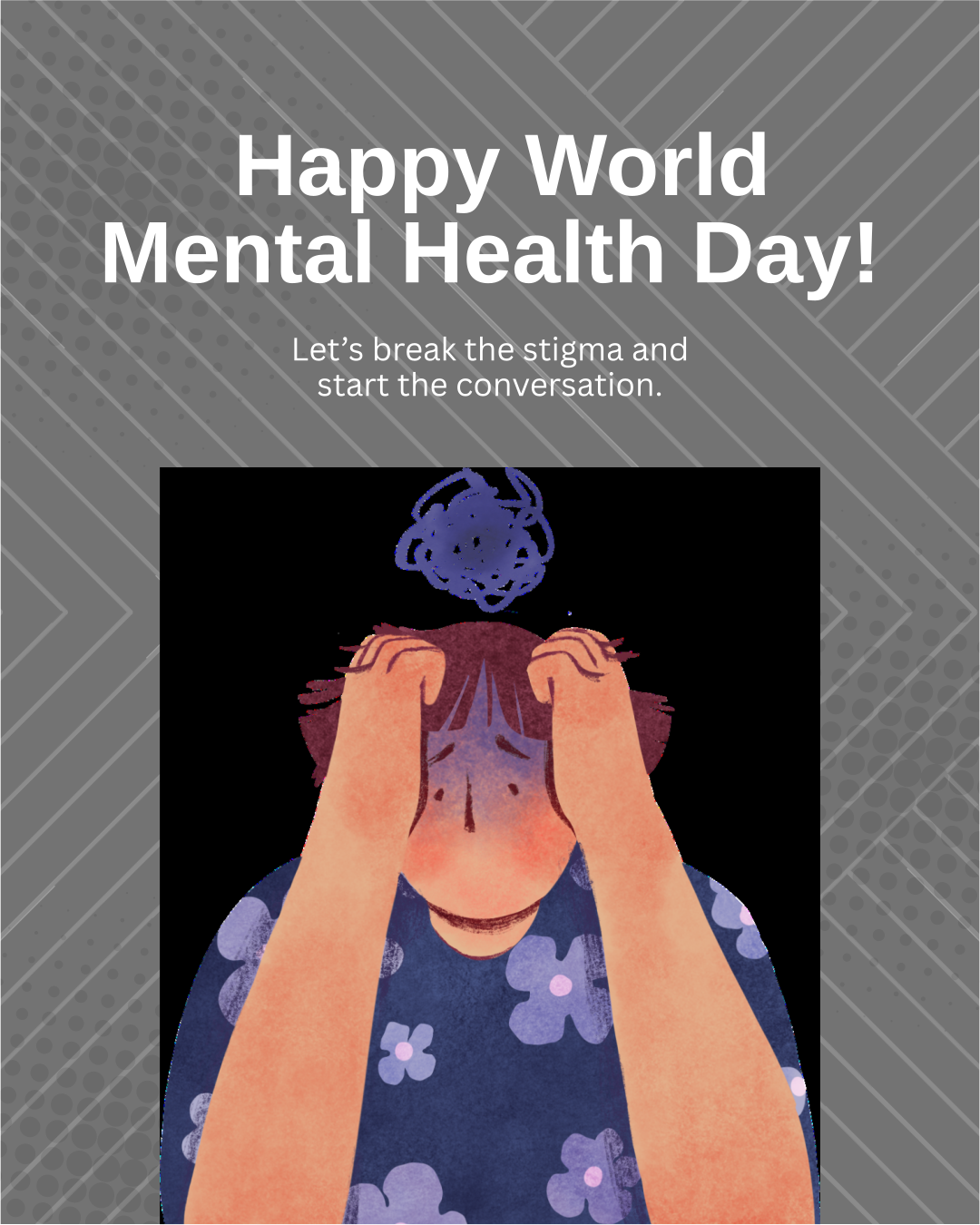
It's 7:42 AM and my phone has already buzzed seventeen times. There's a ClassDojo message about tomorrow's pajama day, three Remind texts about the PTA fundraiser, and something from the lunch app that I'll probably forget to check. Sound familiar?
If you're nodding along while your phone vibrates with yet another school notification, you're not alone. We're living in an era where every aspect of our kids' education comes with its own app—and its own endless stream of alerts.
The Real Cost of Notification Overload
Here's what nobody talks about: all those pings aren't just annoying. They're actively sabotaging our ability to parent effectively. When everything screams for attention, nothing gets it.
According to Common Sense Media's guide on managing school app fatigue, the average parent juggles between 5-10 different school-related apps. That's not counting the texts, emails, and paper flyers that still somehow make it home crumpled in backpacks.
The mental load is real, and it's exhausting.
Enter the 80/20 Rule: Your New Best Friend
Here's where things get interesting. The 80/20 principle suggests that roughly 80% of effects come from 20% of causes. In parent-speak? Most of the actually important school information comes from just a handful of sources.
Think about it. How many of those daily notifications are truly urgent? Maybe 20% on a good day.
The rest? They're digital clutter masquerading as communication.
Step 1: Audit Your App Arsenal
Time to get ruthless. Grab your phone and make a list of every school-related app you have. Include messaging apps teachers use, grade portals, lunch payment systems—everything.
Now ask yourself:
- Which apps deliver time-sensitive information? (Think emergency closures, not bake sale reminders)
- Which ones require immediate action?
- Which could you check weekly instead of daily?
Common Sense Media's approach recommends categorizing apps into "must-have" versus "nice-to-have." Be honest here. That app you downloaded for one field trip permission slip three months ago? It can probably go.
Step 2: Customize Those Notifications Like Your Sanity Depends on It
(Because it does.)
Here's your new notification hierarchy:
Red Alert Status (Keep all notifications on):
- Emergency communications from school
- Direct messages from teachers about your specific child
- Time-sensitive transportation changes
Yellow Alert Status (Summary notifications only):
- Grade updates (check weekly)
- General classroom announcements
- Lunch account balances
Silent Treatment (Turn notifications OFF completely):
- PTA announcements
- Fundraising reminders
- Spirit week updates
- General school newsletters
The beauty of the 80/20 principle is that it forces you to identify what truly matters. Those spirit week reminders? They'll still be there when you intentionally check the app. But they don't need to interrupt dinner.
Step 3: Create a Check-In Routine
Instead of being at the mercy of constant pings, take control with scheduled check-ins. Pick a time that works for your family rhythm.
Maybe it's:
- Sunday evening for the week ahead
- Daily at 4 PM when kids get home
- While waiting in the pickup line
The key is consistency. When you know you'll check apps at a specific time, you can ignore them the rest of the day without guilt.
Step 4: Consolidate Where Possible
Common Sense Media's guide highlights a crucial point: many schools don't realize they're contributing to app overload. They add new platforms without retiring old ones.
Here's what you can do:
- Talk to your school about consolidation opportunities
- Ask teachers to pick one primary communication method
- Suggest the school survey parents about app preferences
- Advocate for a single portal approach when possible
Some schools have successfully moved to unified platforms that handle everything from grades to lunch payments. If yours hasn't, maybe it's time to start that conversation.
Step 5: Set Boundaries That Stick
Remember: you're not obligated to be available 24/7 just because technology makes it possible. Set some ground rules:
- No school app checks during family dinner
- Designate phone-free homework time
- Turn off notifications after 8 PM
- Keep school apps off your lock screen
These boundaries aren't just for you—they're modeling healthy tech habits for your kids.
The Payoff: More Presence, Less Panic
When you apply the 80/20 principle to school communications, something magical happens. You actually start catching the important stuff.
No more missing field trip permission slips because they got buried under seventeen reminders about the book fair. No more anxiety about what you might be forgetting.
Just clarity. And maybe, just maybe, a few moments of peace.
Your Action Plan This Week
- Do the app audit (seriously, right now while you're thinking about it)
- Adjust three notification settings
- Pick your check-in time and stick to it for one week
- Delete at least one app you haven't used in a month
- Share this with another overwhelmed parent (misery loves company)
Look, we can't control the fact that modern parenting requires a IT degree. But we can control how much digital noise we let into our lives. Start small. Pick one app to tame today.
Your future, less-frazzled self will thank you.